

How can we help you with your IONNYK frame ?
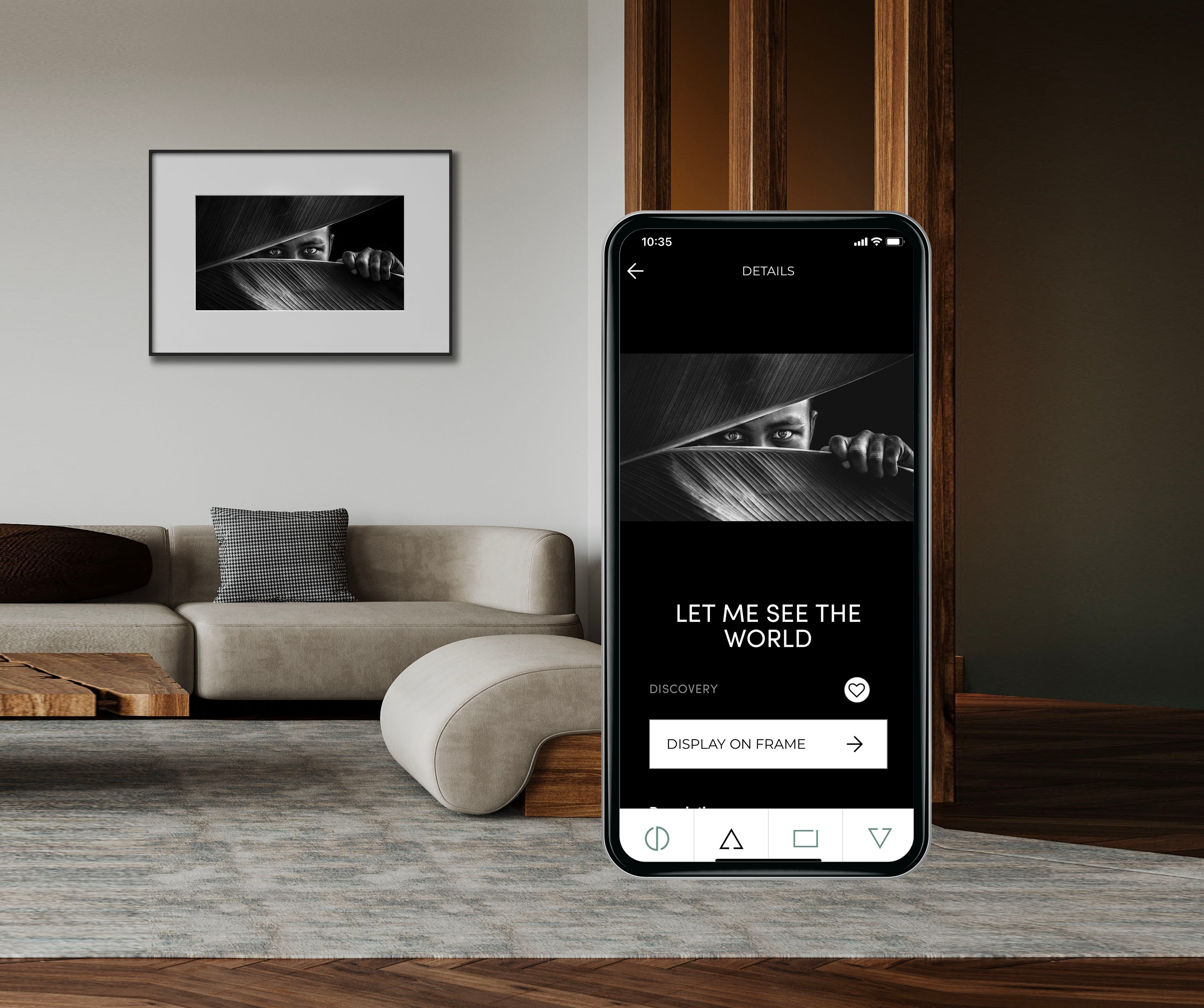
Sign up & create an account
- Go to https://my.ionnyk.com/
- Fill your basic information : Firstname, name, email, and password
- Password must be strong enough : ‘At least one uppercased letter, one lowercased letter, one digit and between 6 and 32 characters’
- Submit
- You will now have access to the customer portal website, to manage your catalog subscription
- You can also login on the IONNYK mobile application, that you can install from IOS or Android
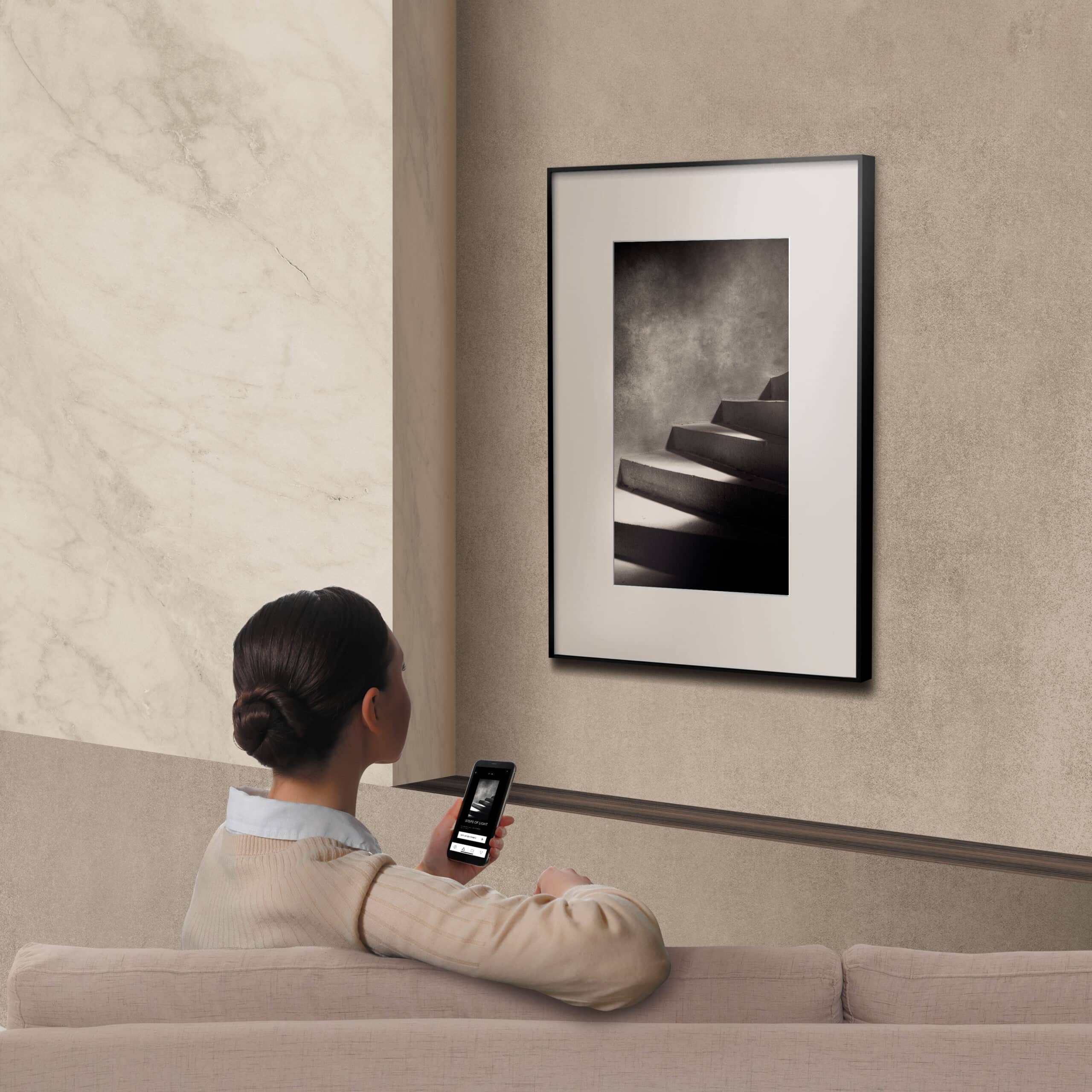
Connect my frame to WIFI
- Make sure to install the application
- Open your application, and login using the account you created
- Go to the 3rd tab listing all your frames
- Click on the ‘+’ button
- On the frame, press 5-7 second the button on the frame (the ‘O’ letter from the Ionnyk logo on the side)
- The button should blink when you pressed enough time; release the button
- On the app, press “CONTINUE”
- The app will now scan the surrounding bluetooth devices, and look for your frame
- If not found, repeat the process from step (5.)
- If found, you will be able to select a WIFI
- Enter your WIFI password. Please make sure it is correct, otherwise you will get errors later
- Enter a nice name for your frame
- Congratulations, the config is done.
- Before testing any artwork on your frame, you will have to wait for its cloud/online registration (2-3 min). You will see a PENDING state on the list
- If you entered a wrong WIFI password (at step 11.), or if your wifi signal quality is bad or unreachable, you may observe an ERROR state on the list
- If you think you entered a wrong password, please redo from step 5. and enter a correct password later
- Otherwise, please check your WIFI signal quality
Contact Us
We will be happy to help you.